Sound Scheduler
LiveAutomatically adjust your phone's volume on a schedule, then get it back exactly as it was when the schedule ends.
About
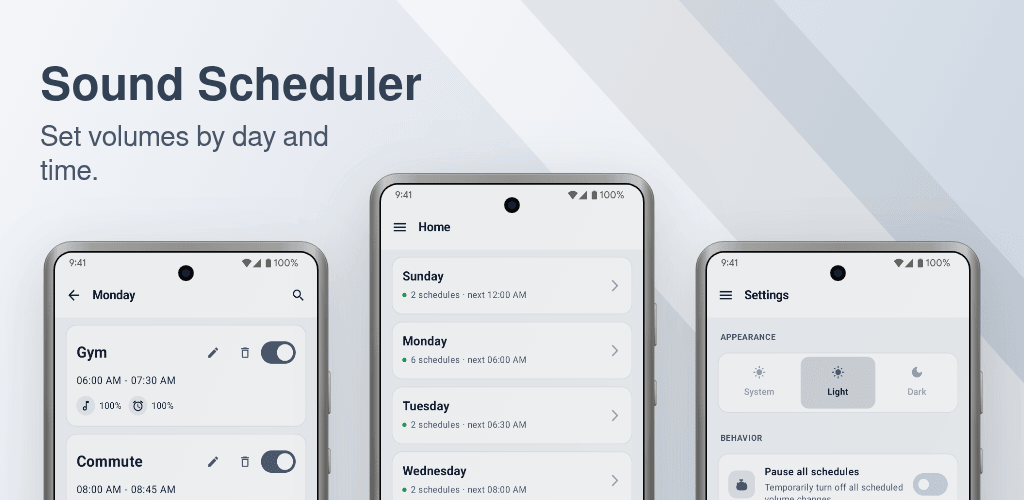
Sound Scheduler is an automatic volume and ringer scheduler for your phone. Silence it during meetings, class, or sleep, then let the sound come back on by itself. You set the time and the days once, and the app takes care of the rest.
Most volume apps only mute your phone and forget to turn the sound back up. Sound Scheduler gives every schedule a start time and an end time, then restores your volume the moment the schedule ends. Your ringer comes back on its own after the meeting, the class, or the night is over.
What you can do
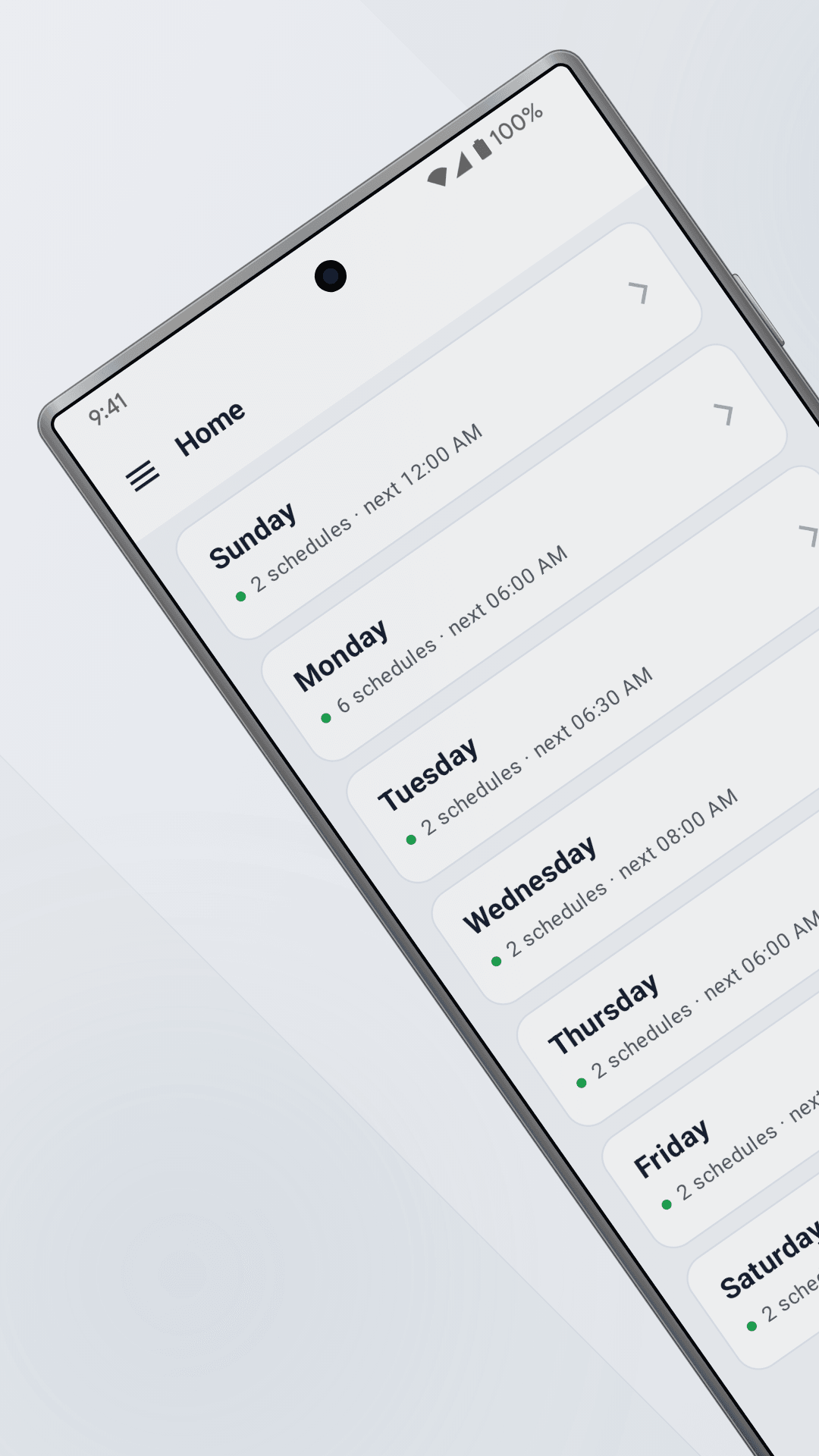
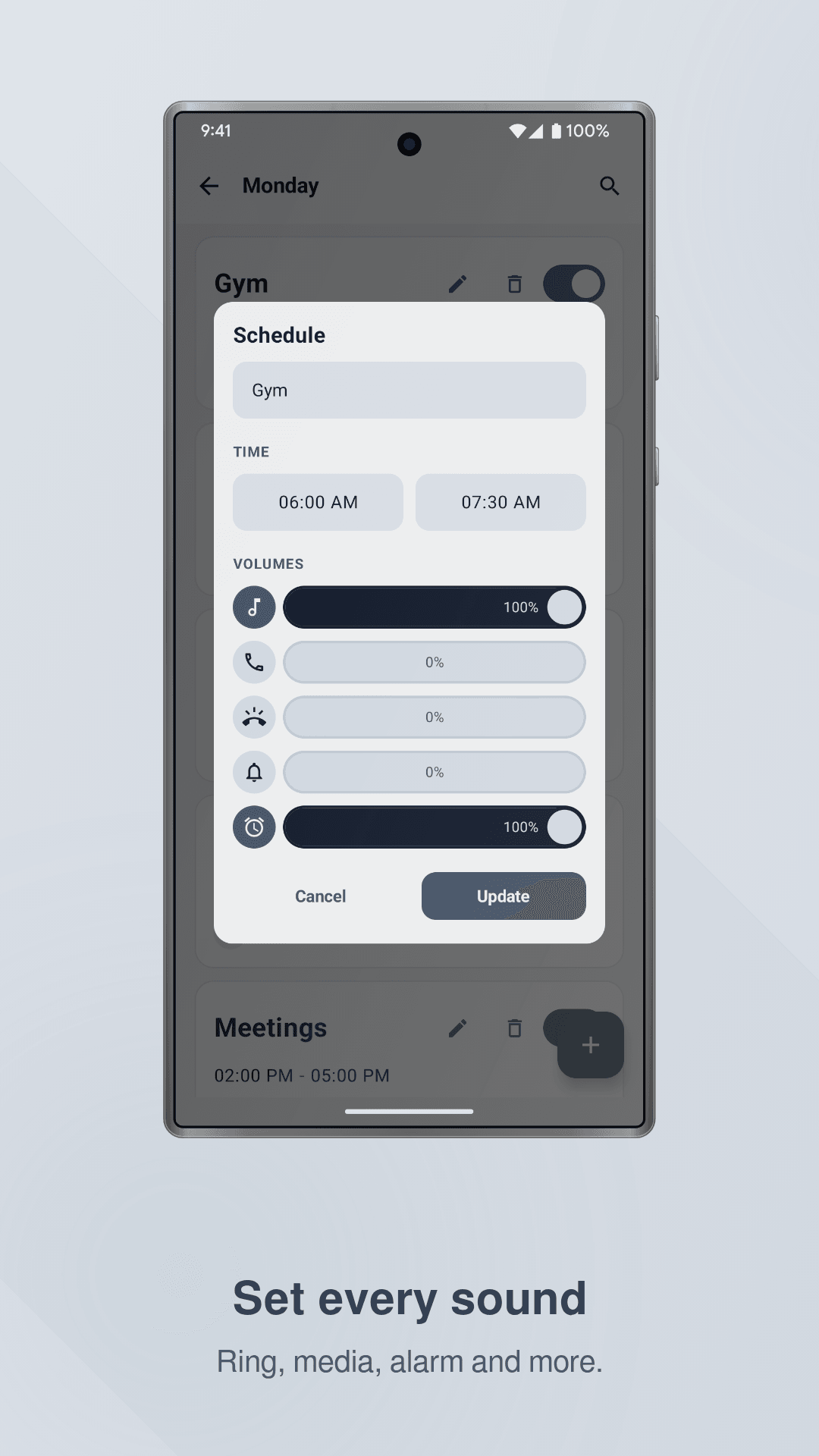
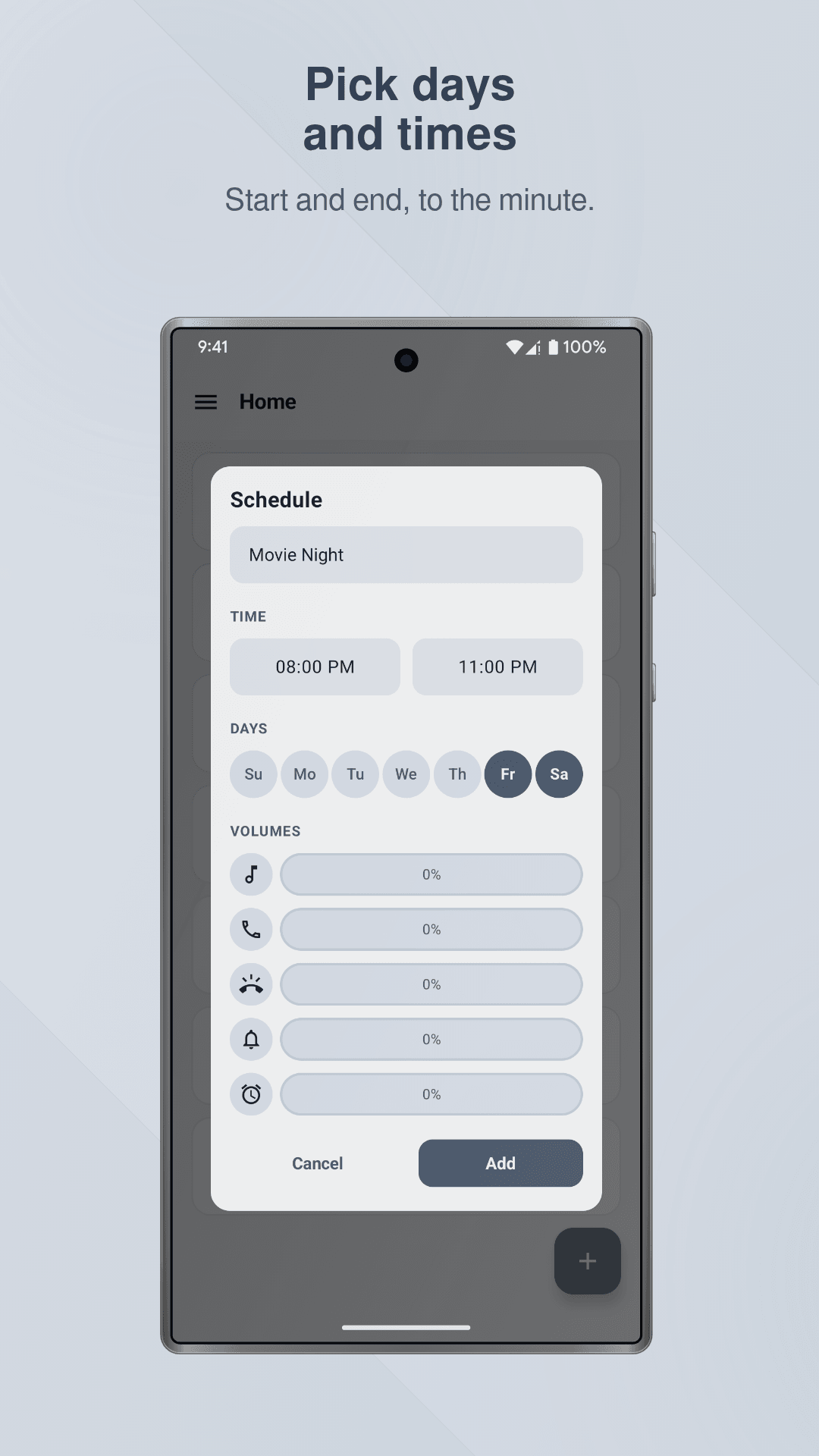
Set media, ring, notification, alarm, and call volume separately in each schedule. Choose exactly which days of the week a schedule runs, and give it a start time and an end time, with automatic volume restore. Repeat a schedule every week, every day, or run it just once.
Lower your ringer at night and raise it again in the morning, hands free. Silence your phone during work, meetings, study time, prayer, or the gym. Turn media and alarm volume up before a workout or a morning alarm.
Built to actually run on time
Sound Scheduler fires at the exact minute you set, even while your phone is asleep, and keeps working after you restart your phone since every schedule re-arms itself automatically. A small notification shows while a schedule is controlling your volume, so you always know why the sound changed. Pause every schedule at once from the Quick Settings tile, then turn it all back on with one tap.
Works with Do Not Disturb
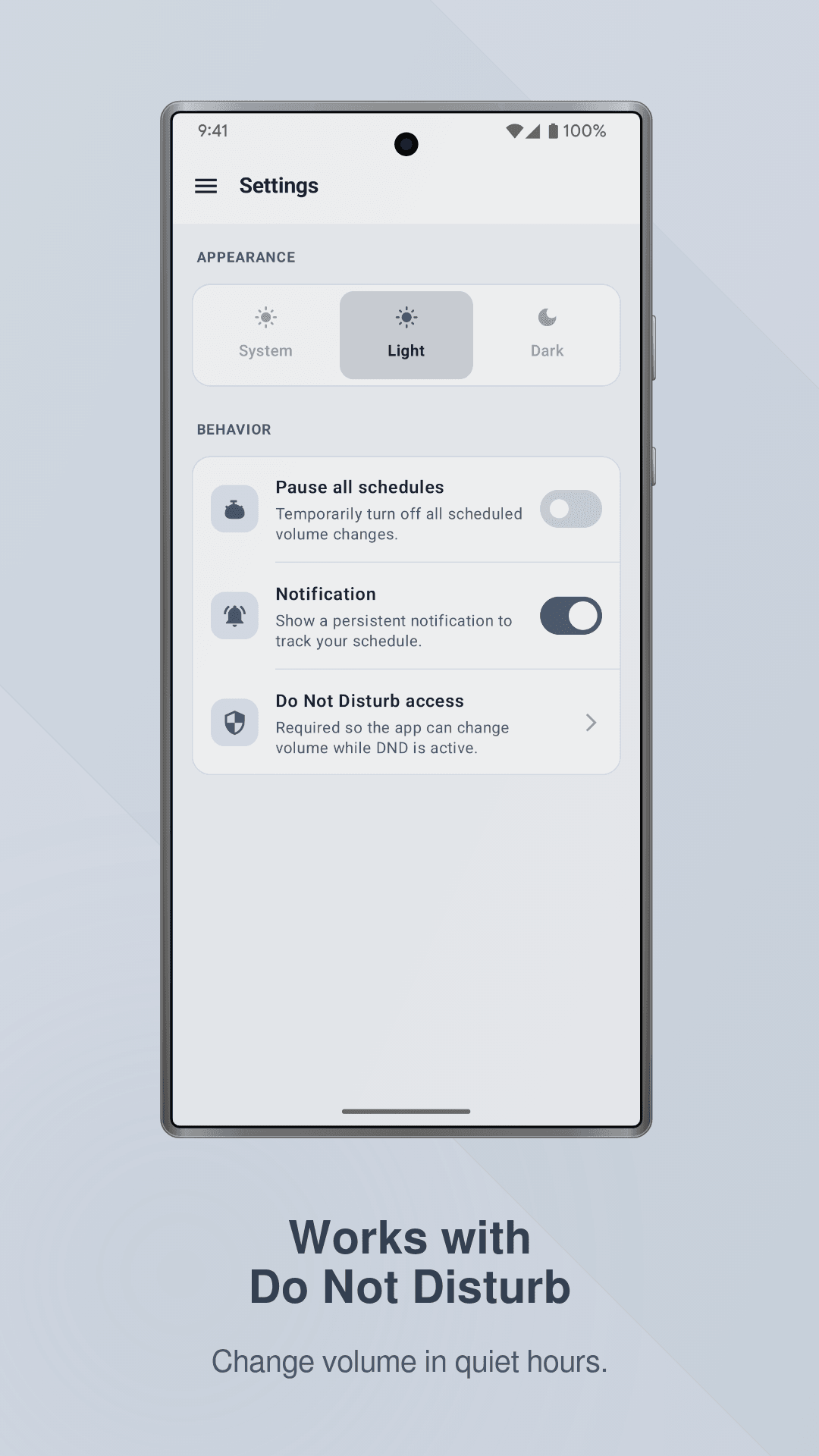
Sound Scheduler can adjust your ring and notification volume even when Do Not Disturb is on, once you allow the access. Your quiet hours and your volume schedules can finally work together instead of fighting each other.
Simple and private
Free to use, with no account and no sign in. No location tracking and no background scanning, and it's light on battery because it only wakes up at the times you choose.
How it works
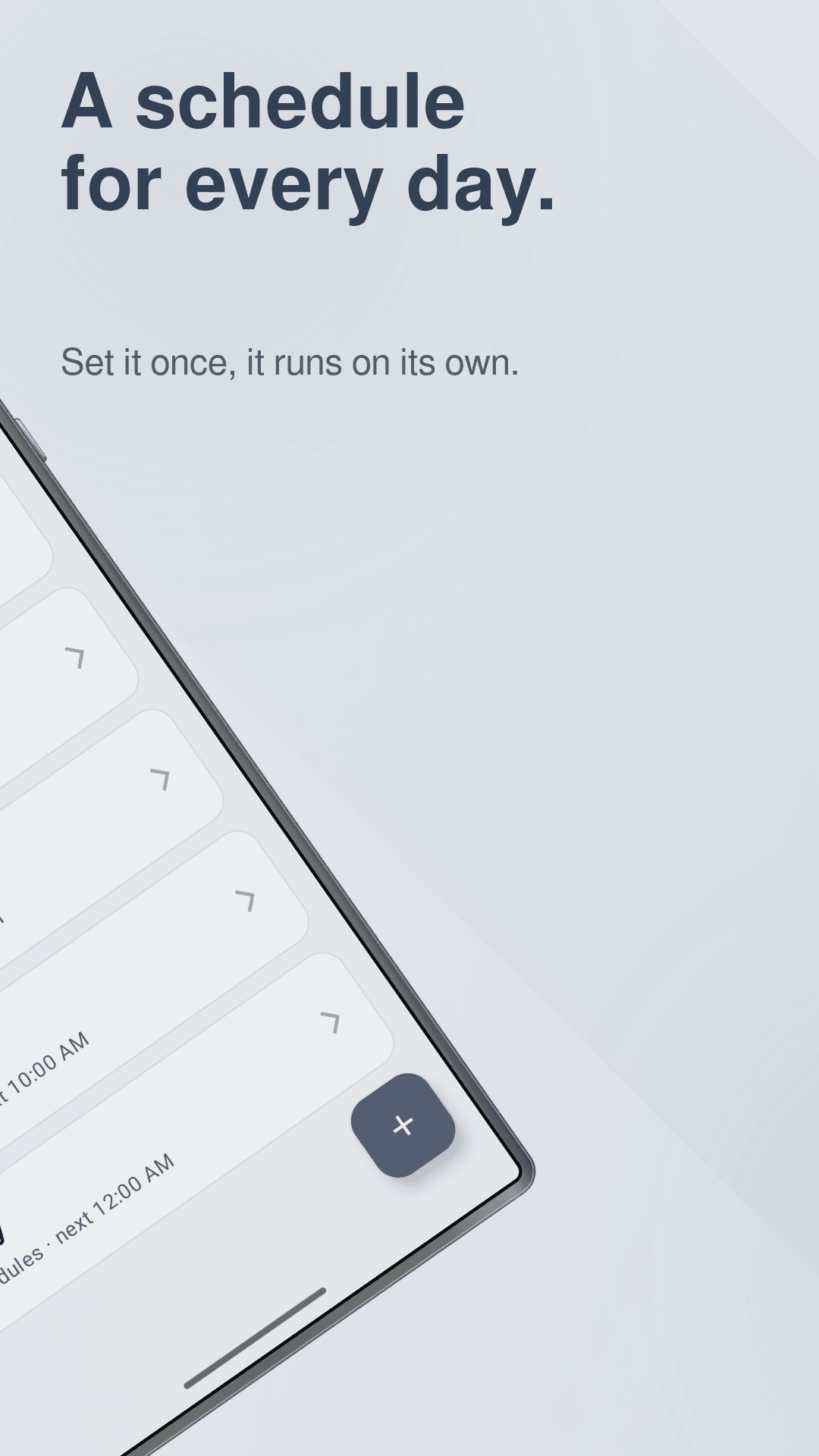
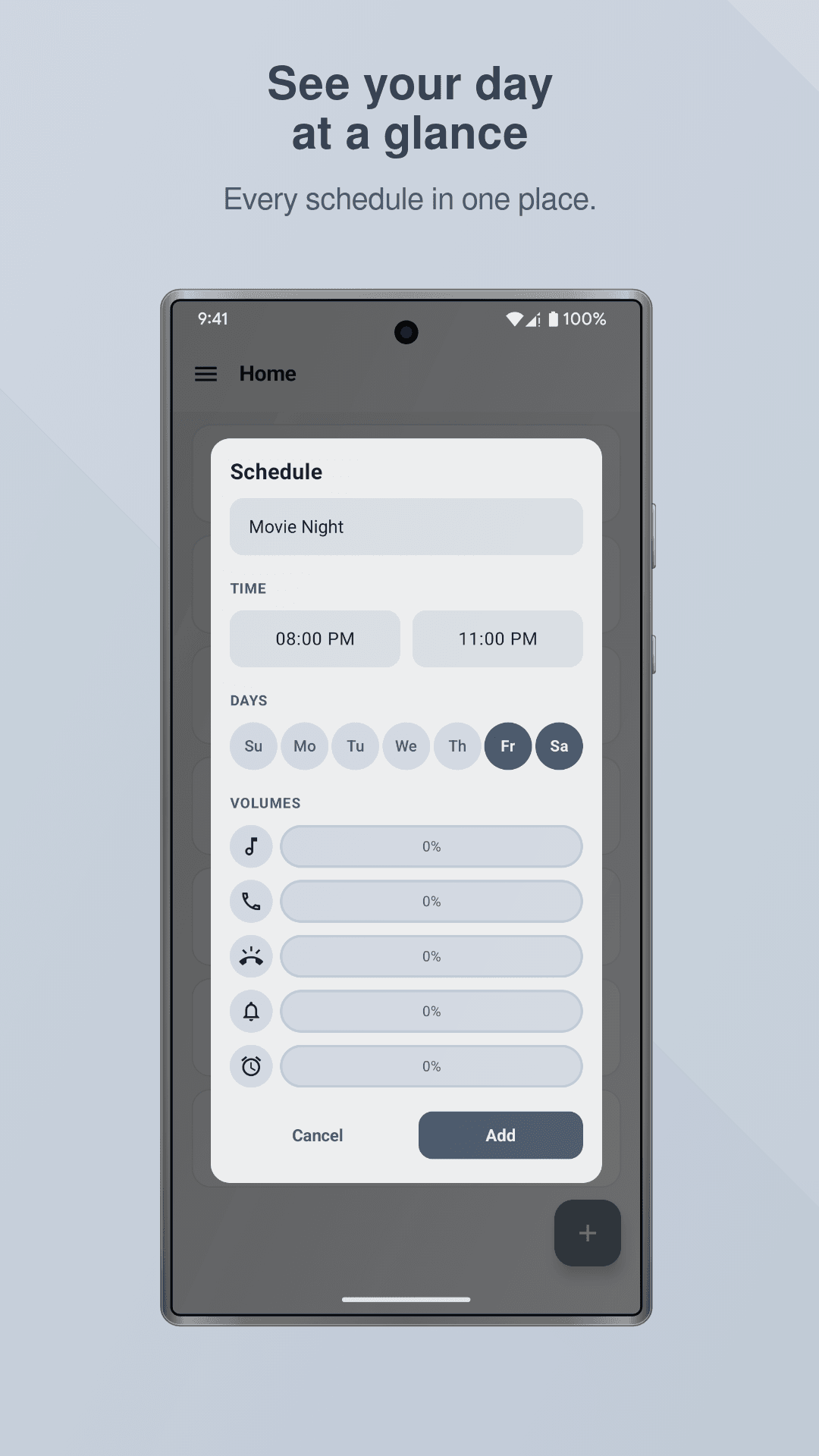
Tap the plus button and name your schedule, set the start and end time, then pick your days. Choose the volume level for each sound you want to control, save it, and Sound Scheduler takes over from there.
Whether you want automatic silent mode at night, a scheduled ringer for work hours, or a louder alarm on gym mornings, Sound Scheduler keeps your phone at the right volume at the right time, every single day.
What you get
Get Sound Scheduler today.
Automatically adjust your phone's volume on a schedule, then get it back exactly as it was when the schedule ends.
Need an app like Sound Scheduler for your own idea?
We build a few client apps each year, for Android, iOS and the hardware they talk to. Tell us what you have in mind and you’ll get an honest answer on scope and cost.