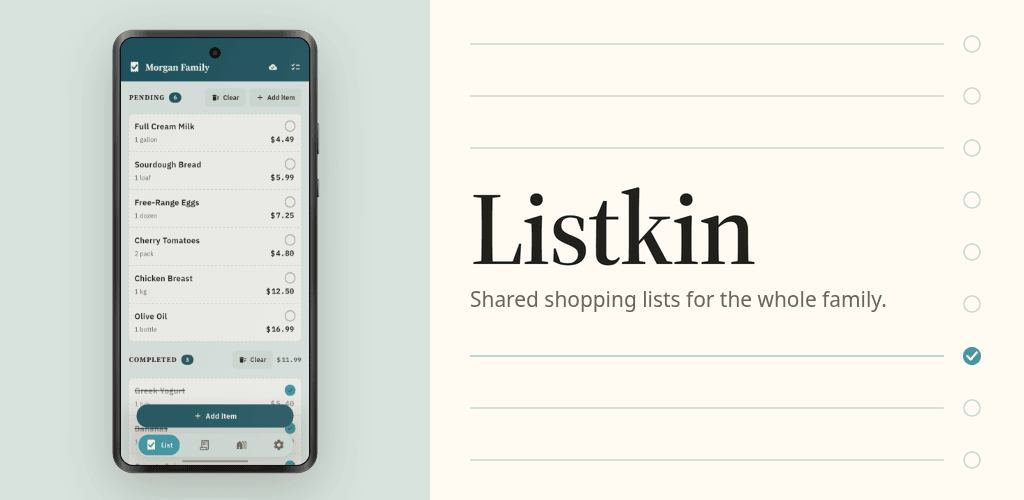

ListKin
LiveAn AI meal planner that fills your family's shared grocery list. No sign-up, and it works with no signal.
About
ListKin is an AI grocery list and meal planner for the whole family. Tell Sprout, the AI helper, what you are cooking this week and it suggests what to buy. Pick what you need and it lands on your shared shopping list, ready for whoever goes to the store.
It also replaces the family group chat as a shopping list. A list in a chat stops being a list the moment someone replies to it: nobody can tell what is still needed, two people buy the milk, and the person in the shop scrolls back through messages to work out what was asked for.
Plan meals with Sprout
Ask for dinner ideas, a recipe for six, or a week of quick lunches. Sprout answers with the ingredients, sorted and ticked, and adds them to your list in one tap. It knows what is already on the list, so you do not buy the same thing twice. Sprout is free, with a daily allowance of messages.
With ListKin Pro, snap a recipe, a handwritten note or the inside of your fridge, and Sprout turns the photo into items on your list. No more retyping the list from the fridge door.
One shared list for the family
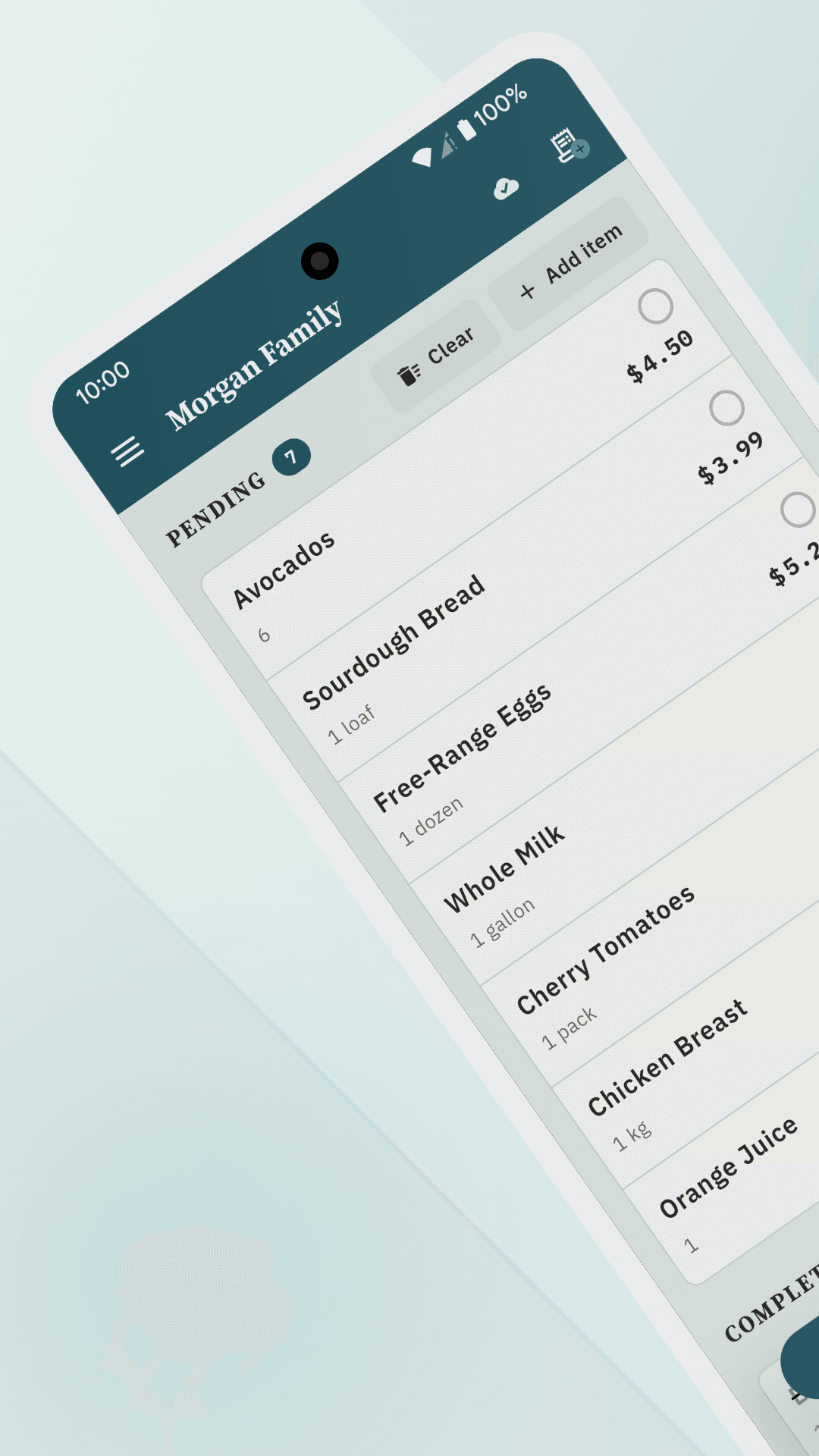
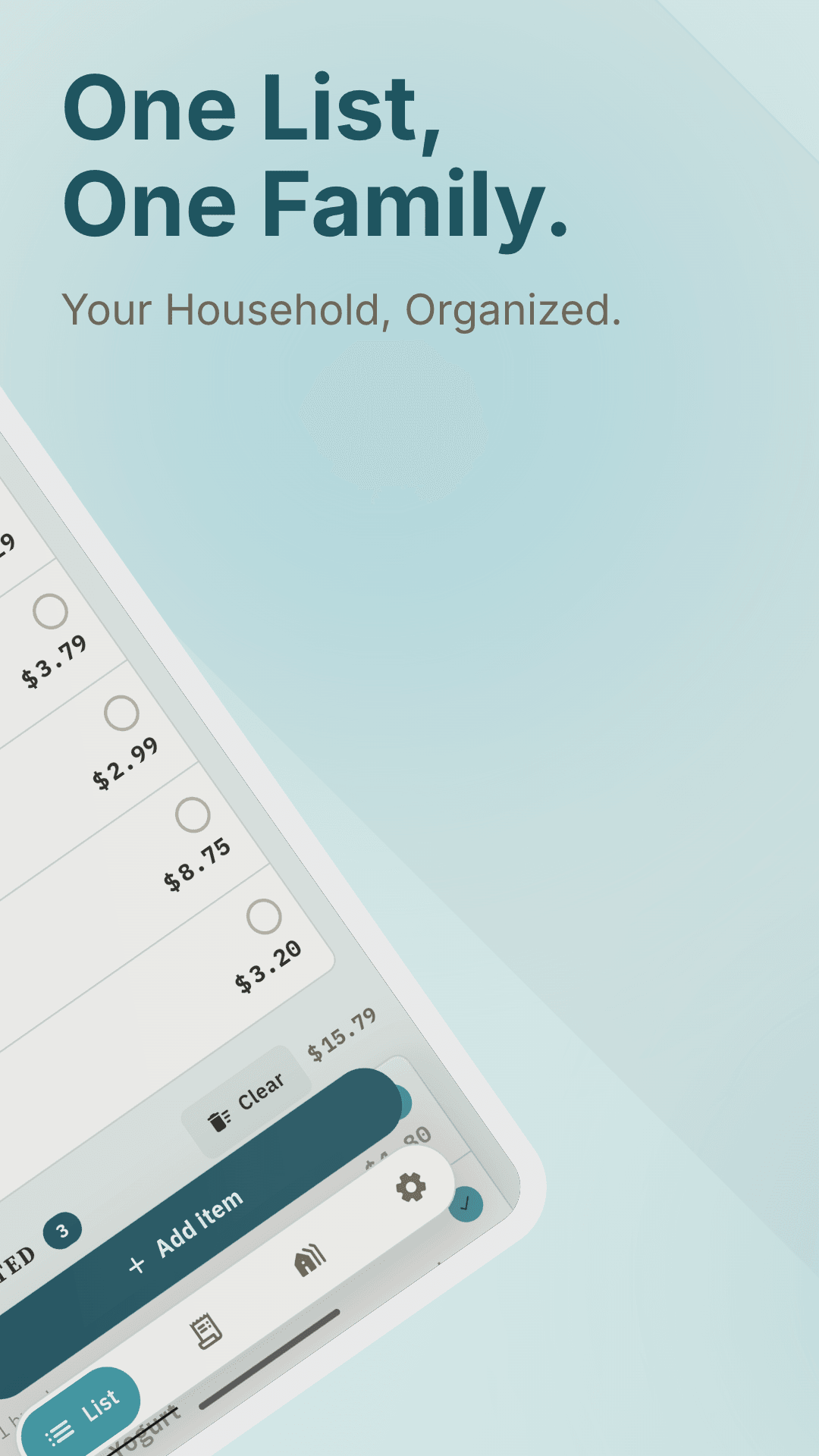
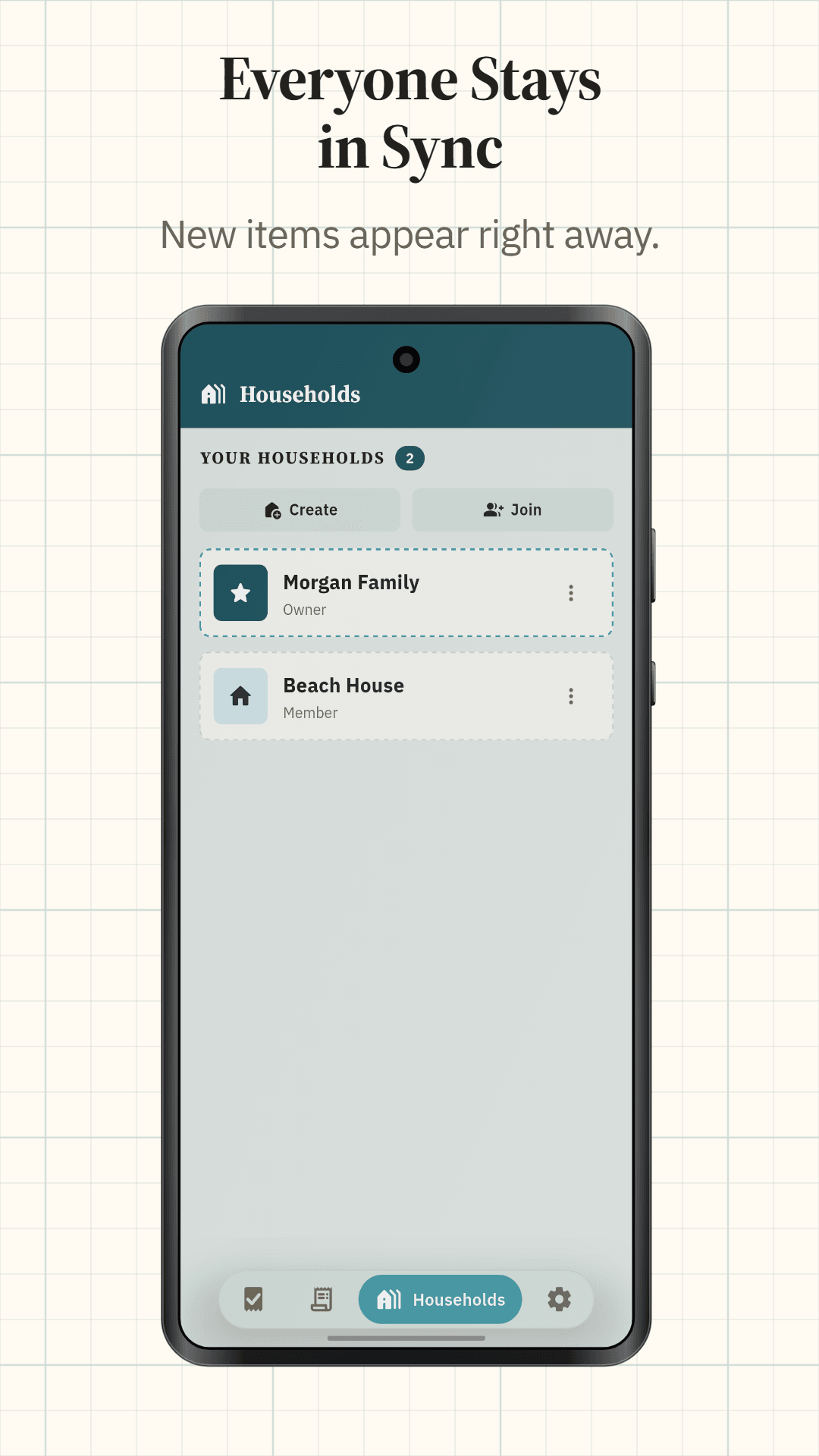
Create a household and invite your family, partner or flatmates with a join code. Anyone you give it to joins in a couple of taps, with no invitation email and no account to look up. Everyone sees the same list as it changes: add milk at home and it shows up on the phone of whoever is at the supermarket. Tick it off in the store and the rest of the family sees that too.
ListKin tells you when someone adds or removes something. If you would rather it stayed quiet, turn that off in settings.
No sign-up, works offline
Open the app and start your list. No account, no email, nothing to fill in. Make an account later if you want the same list on a second phone, or want it back after you replace yours.
Signal tends to disappear somewhere near the freezers. ListKin carries on without it: you can add, tick off and save the receipt, and it all reaches everyone else as soon as you are back online.
Add items in seconds
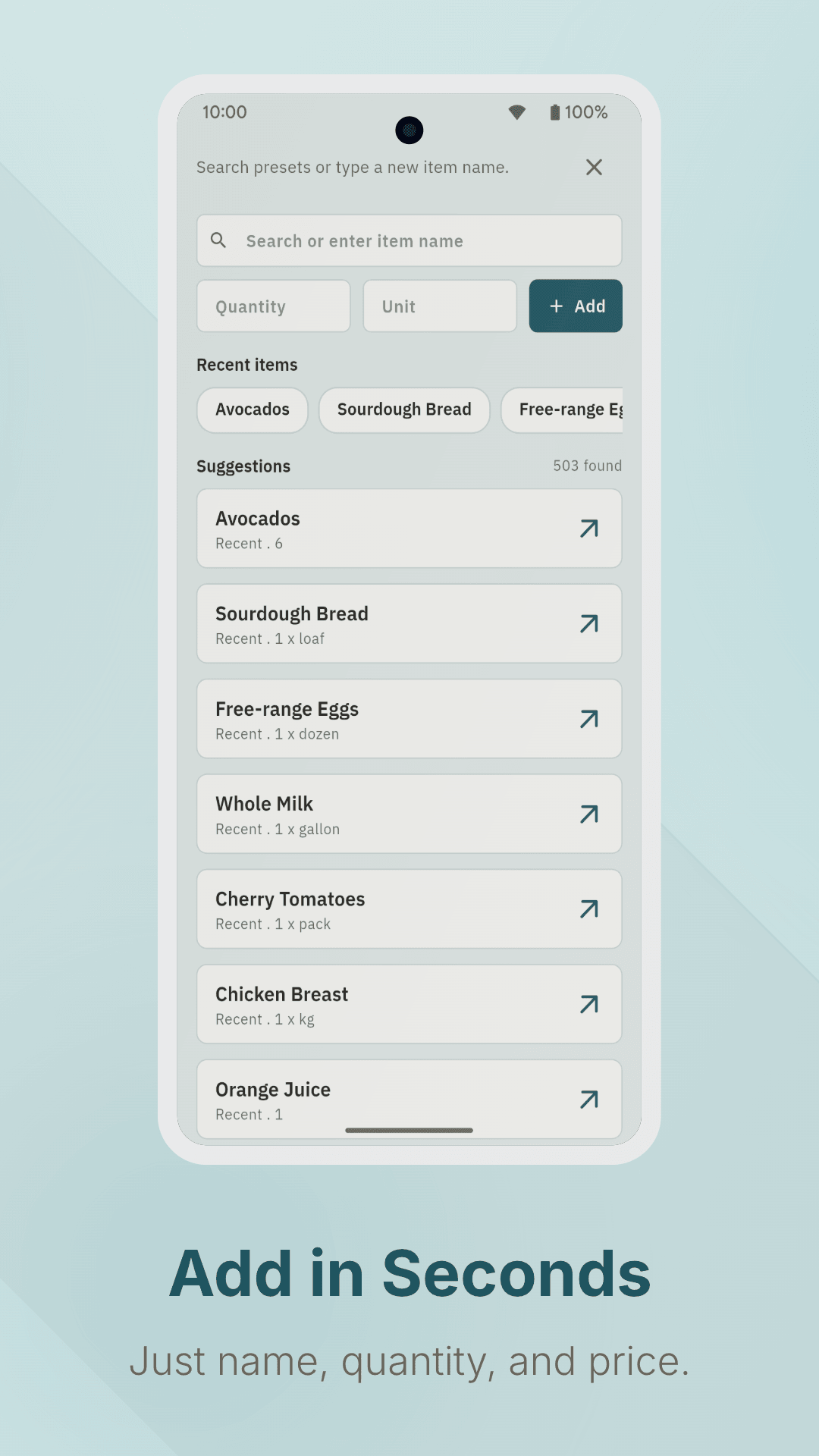
Type a few letters and pick from the suggestions, or type several items at once with commas. Quick add puts what you typed straight on the list. Your usual items stay one tap away, so the weekly shop mostly builds itself. You can share text from any app onto the list too, and a note on an item holds the brand or the size.
In the store
Turn on aisle sorting and the list follows the way you walk the store, in the order you set once.
Add a price as you shop and ListKin keeps a running total. The number pad does the sums for you, so 3 x 1.25 or a multibuy is one entry, in whichever currency your household uses.
Keep every receipt
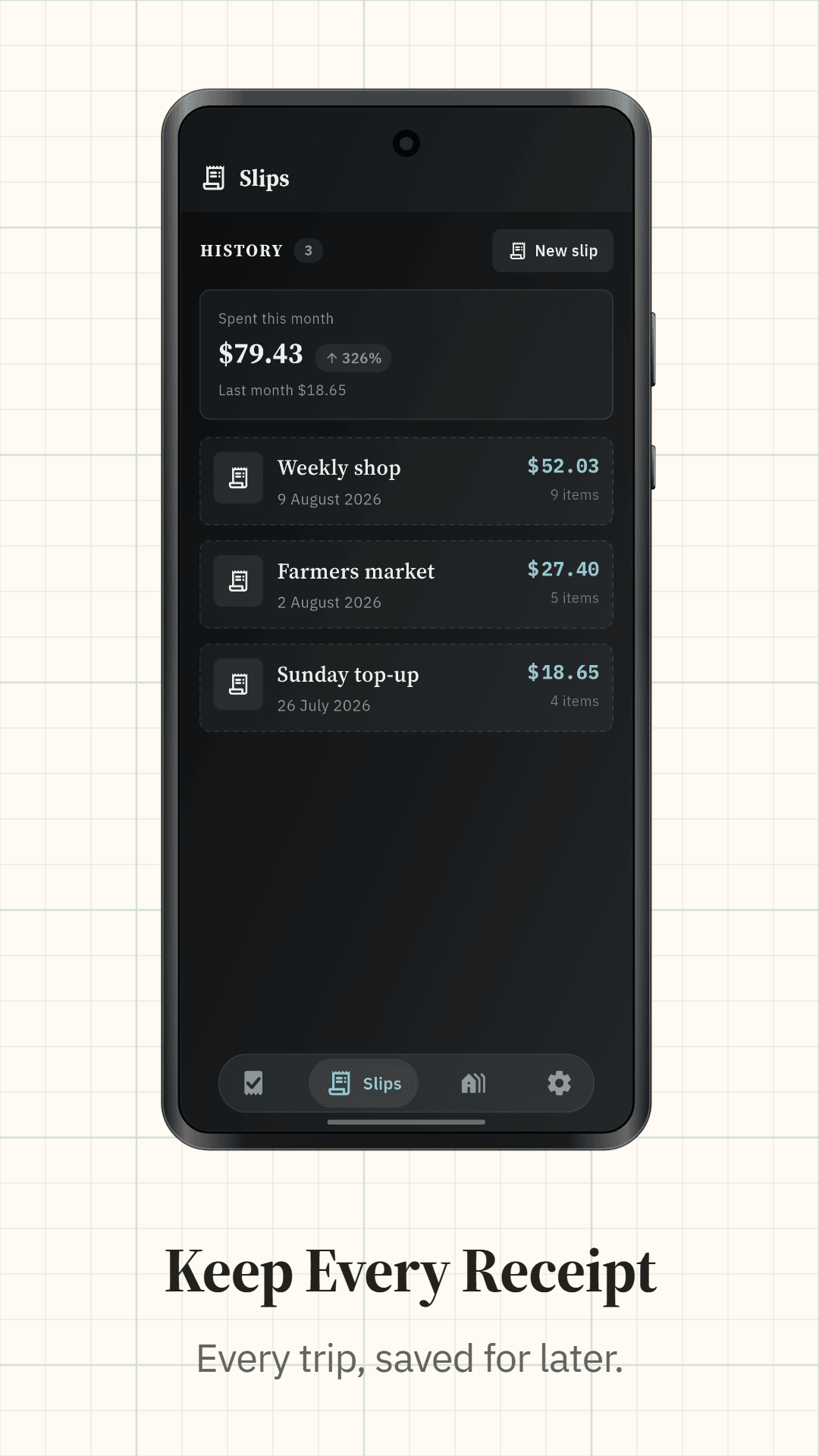
When you finish shopping, save the trip as a slip with its date, items and total. Edit it later, share it as an image or save it to your gallery. Slips are grouped by month, so you can see what you spent this month at a glance and keep a grocery budget without a spreadsheet.
More than one list
Keep separate lists for groceries, the pharmacy or a party, and switch between them from the top of the screen. Each one shows what is left to buy. Two home screen widgets help too: one shows what is still to buy without opening the app, and the other adds an item in one tap.
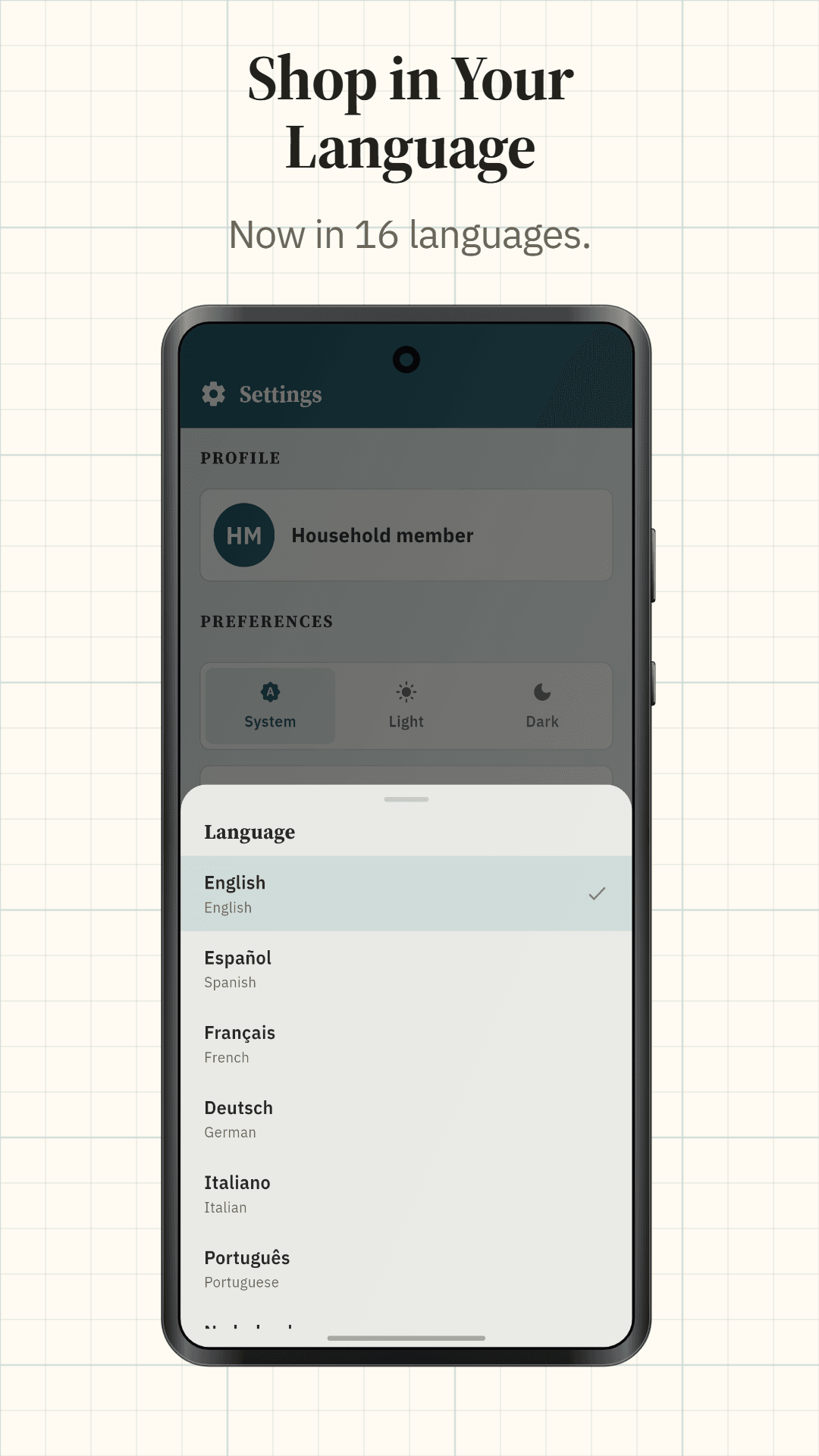
ListKin speaks 44 languages and follows your phone's light or dark mode, or you can choose one.
ListKin Pro
An optional subscription for families who plan a lot: unlimited Sprout messages, photo to list, every Sprout chat kept, activity history showing who added, ticked or changed what, as many lists as you like, more than one household, and extra colour themes. Everything free stays free.
What ListKin stores
Shared lists have to live somewhere everyone can reach, so your lists, items, prices, saved slips and households are kept in Google Firebase, with a copy on your phone for offline use. When you ask Sprout something, your message goes through our server to an AI service to get the answer. ListKin also uses Firebase Analytics and Crashlytics to see which features get used and to fix crashes. There are no ads and no ad networks, and we never sell your data. The privacy policy covers the details.
Questions people ask
Does everyone need the app? Everyone who wants to see or edit the list does, on Android. They join your household with its code.
Do I need an account? Not to start. You only need one to use the same list on another phone or to restore it on a new one.
What happens with no signal? Nothing stops. Changes are kept on your phone and sync the moment you reconnect.
What does it cost? ListKin is free, with no ads, and Sprout comes with a free daily allowance. ListKin Pro is an optional subscription for unlimited Sprout, photo to list, more lists and more households.
What you get
Get ListKin today.
An AI meal planner that fills your family's shared grocery list. No sign-up, and it works with no signal.
Need an app like ListKin for your own idea?
We build a few client apps each year, for Android, iOS and the hardware they talk to. Tell us what you have in mind and you’ll get an honest answer on scope and cost.